Pregnancy announcement cards.
The sofa, the tiny booties, the news. Make the card that starts the set, and let the back count down to the due date.
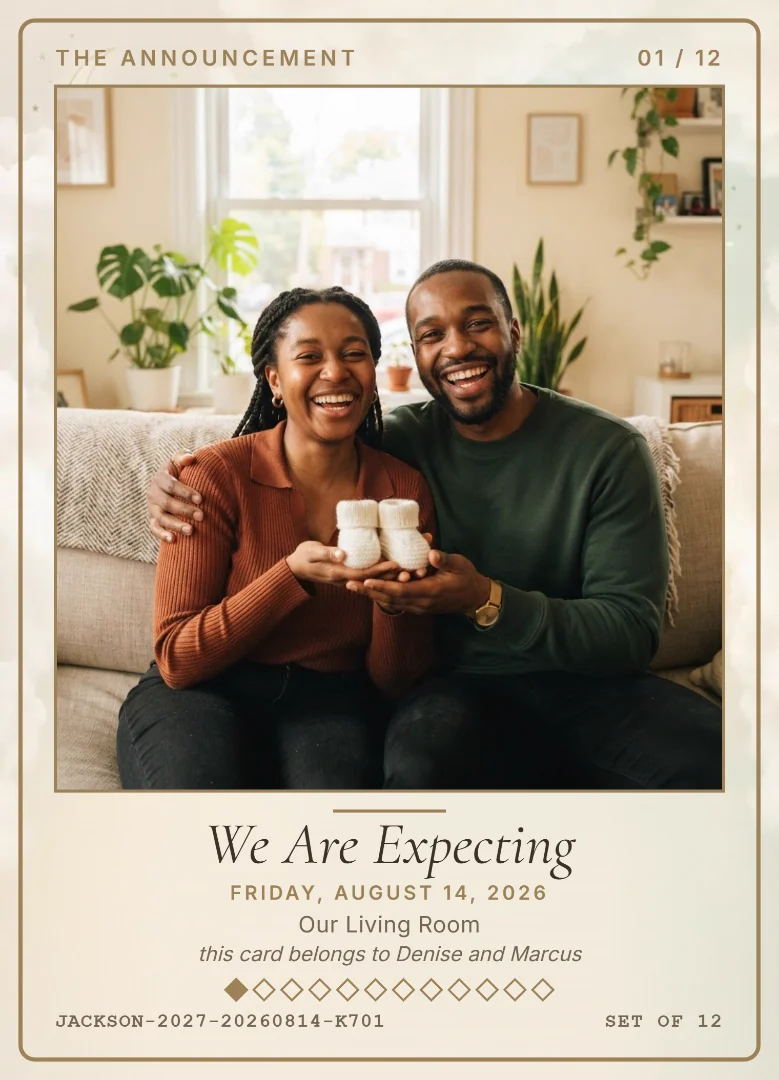
Card number one.
The announcement is the first card of the set. Add a photo of you telling the news, name the moment We Are Expecting, and the card is made on your phone in seconds.
The bump, moment by moment.
Card the first small bump at the window, the maternity portrait at golden hour, listening to the bump on the sofa. Each one is numbered in the same set.
A back that counts down.
Type the due date as your baby's birthday. Until the baby arrives, the back of the card says how many weeks are left, and after the birth it says how old your baby is.
Questions people ask
- Can I use the due date instead of a birthday?
- Yes. Put the due date in the birthday box. Cards dated before it say how many weeks are left, and cards dated after it say how old your baby is.
- Do I need the baby's name yet?
- No. Type Baby and your family name, like Baby Jackson, and the card is made the same way.
- Can I share the card to tell people?
- Yes. Save it as a picture and post or text it, or share its link. Sharing needs a connection, and making the card does not.
Your photo. Right now. Free.
Nothing to download first. Make a card in your browser and see it before you decide anything.
Make one free